Have you ever wondered how some companies seem to know exactly what their customers need—sometimes even before the customers do? They’re not mind readers. They’ve mastered the art of feedback loops.
Most businesses collect mountains of data but fail to connect the dots. This leaves invaluable opportunities on the table for customer satisfaction and revenue growth.
If you’ve ever felt like you’re spinning your wheels with customer feedback that goes nowhere, you’re not alone. This guide will teach you how to close the gaps in your feedback process, so no insight is wasted, and no customer is left unheard.
Let’s dive into the common problems with feedback loops and some solutions and tools that can help.
Why Most Feedback Loops Fail
A good feedback loop should enable you to gather, analyze, and act on customer insights fast. Doing this well correlates with increases in customer satisfaction ratings and revenue. But it's rare for this to happen perfectly across teams.
Here’s where things typically go wrong:
1) Siloed Feedback Channels
Customer feedback often comes from multiple channels—NPS surveys, social media, and customer support tickets. Without a unified approach, these data streams remain disconnected. Teams work in isolation, which leads to a fragmented understanding of customer needs.
2) Manual Data Analysis Bottlenecks
Sifting through qualitative data manually is time-consuming, subjective, and prone to error. Insights arrive too late to be actionable, causing delays and missed opportunities.
3) One-Size-Fits-All Reporting
CX teams often deliver generic reports that fail to resonate with different stakeholders. Executives may need high-level summaries, while product teams require granular details. Without tailored insights, decision-making stalls.
4) Inaction on Feedback
Even when insights are identified, they often don’t translate into action. Teams lack structured workflows to close the loop, leaving customers frustrated and disengaged.
5) Stagnant Feedback Processes
Feedback systems are rarely revisited or optimized. As customer expectations evolve, static processes fail to keep pace, leading to irrelevant or ineffective insights.
The Opportunity Ahead
Companies that address these problems and build dynamic, effective feedback loops wildly outperform companies that don't.
Dialling in your feedback loop means you:
Identify and solve customer pain points faster.
Strengthen customer loyalty and advocacy.
Empower teams with clarity and focus.
Drive innovation by aligning with customer needs.
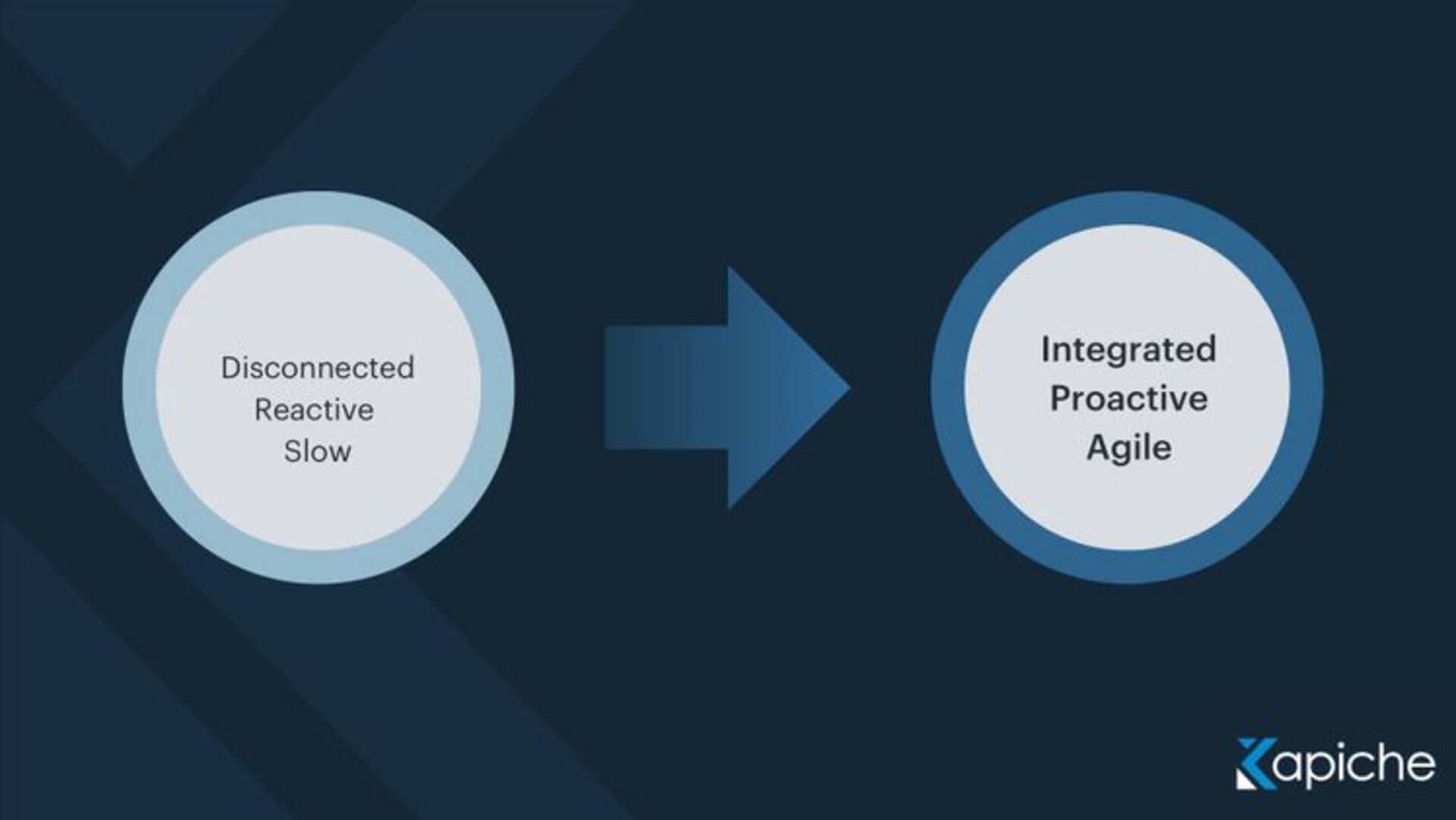
Let's dive into things you can do to improve your feedback loop.
Building Effective Feedback Loops—A Step-by-Step Guide
To transform your feedback loop from broken to best-in-class, here’s what to do.
Step 1: Centralize All Feedback Channels
The first step to building an effective feedback loop is to collect all your customer insights in one place. Scattered data leads to scattered insights—and missed opportunities.
Aim to bring together customer feedback from all your sources, like surveys, customer service interactions, online reviews, social media mentions, and even product usage metrics. Use tools to aggregate all this information seamlessly.
Getting a unified view together allows you to identify recurring themes, understand customer sentiment, and spot emerging trends that individual channels might miss.
Step 2: Analyze for Trends and Prioritize Key Insights
Collecting feedback is only the first step. The real power comes from analyzing that data to uncover patterns and prioritize what’s most critical to act on.
Manually reviewing feedback can quickly become overwhelming, especially if your company handles large volumes of customer data. Instead, leverage analytics tools to process your data and uncover trends. These tools can help identify recurring keywords, themes, and sentiments, allowing you to get to the heart of what customers are talking about.
Leveraging an AI-powered customer feedback tool like Kapiche helps you detect themes, measure sentiment, and assess the impact of each insight on customer satisfaction and loyalty. So you can prioritize issues based on their frequency, severity, and potential business impact.
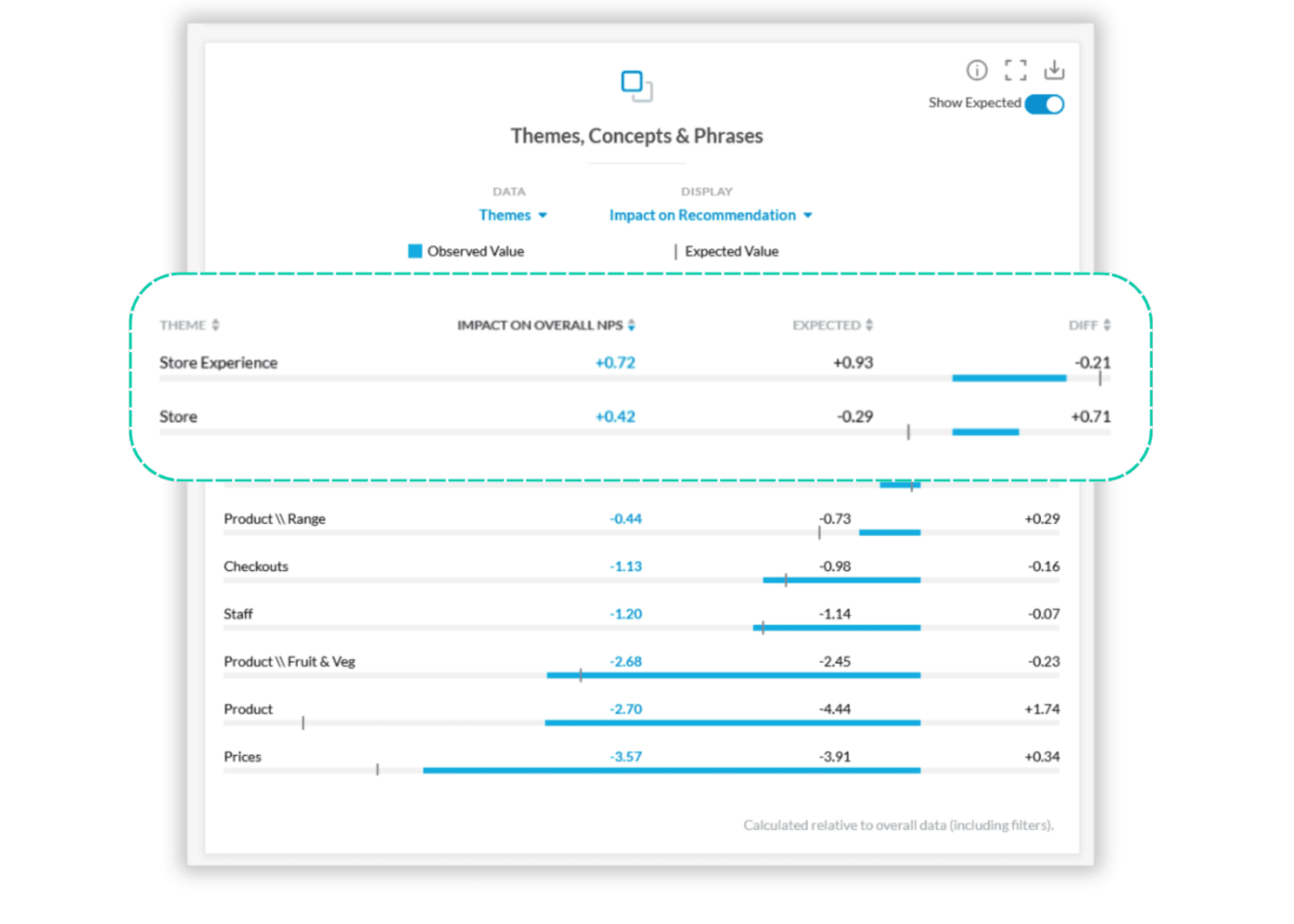
For example, if multiple customers mention similar frustrations with a product feature – “the checkout process is too slow” – Kapiche can automatically group these comments and help you quickly spot the root issues that need addressing.
Look for Sentiment Shifts Over Time
Don’t just look at the feedback in isolation. Track how customer sentiment evolves. Is there a trend of increasing dissatisfaction with a specific part of the customer experience?
Alternatively, are customers increasingly excited about a feature or service that was previously overlooked? Observing sentiment shifts helps identify what is resonating with your customers and what’s falling short.
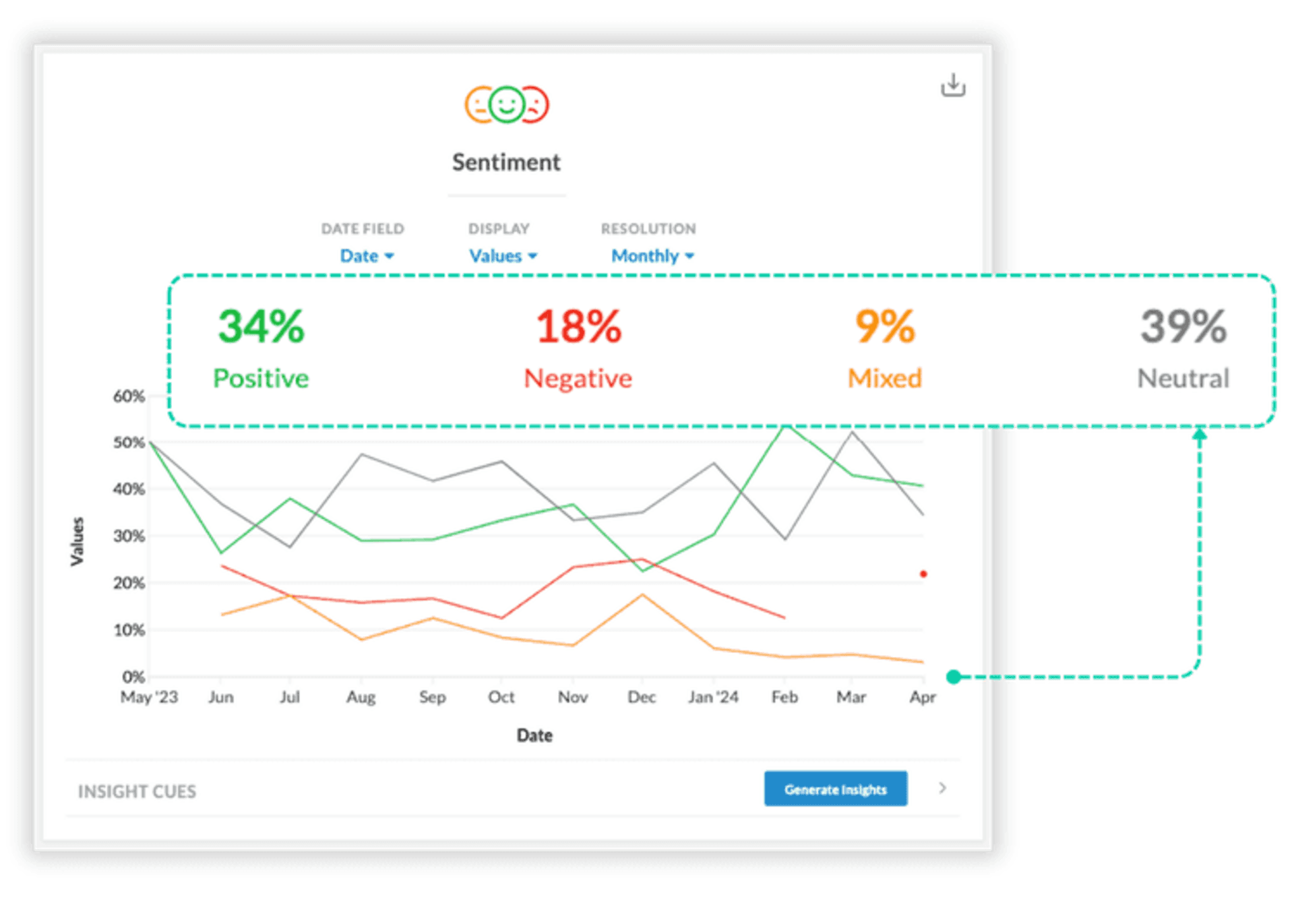
Tip: Use sentiment analysis tools to track feedback sentiment over time. You can plot sentiment on a graph, tracking whether feedback about a particular feature is improving or declining. This trendline can help you understand if the efforts you’ve made to resolve issues are working, or if more intervention is needed.
Step 3: Communicate Insights to the Right Stakeholders
Insights are only useful if they reach the teams that can act on them. Misaligned communication often means insights sit idle, failing to influence the customer experience. Here are some things we encourage you to do to ensure insights are communicated to the right stakeholders at the right times.
Host Timely "Insight-to-Action" Meetings
Schedule quick meetings with relevant teams as soon as you uncover significant insights. Use these meetings to present key findings, outline the implications, and collaboratively brainstorm actionable steps. This ensures alignment and accelerates decision-making.
If you discover that shipping delays are a major pain point for customers, don’t wait for the next meeting with the operations team. Create a cross-departmental touch point, whether that’s calling a brief meeting or sending a brief summary of what you’re seeing.
Create Customized Dashboards
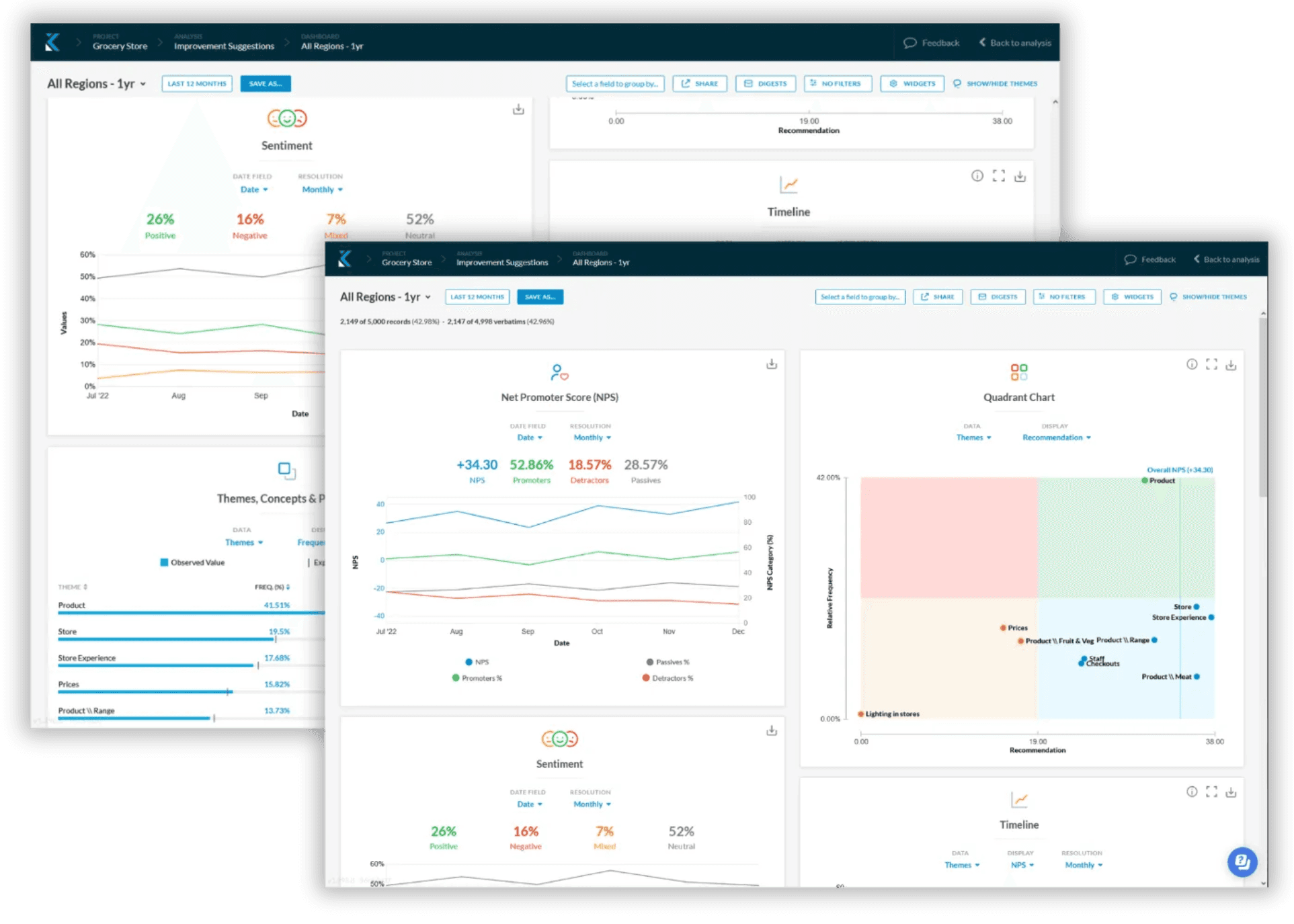
Give key decision-makers access to dashboards that showcase insights that are tailored to them. Executives might need high-level metrics and trends, while frontline teams require actionable recommendations. Kapiche’s customizable reporting dashboards allow you to adapt insights for every audience: